
SEO & Traffic SEO
Website redesign without losing traffic: an SEO migration checklist
A complete redesign checklist that protects rankings: a baseline SEO snapshot before you start, preserving URL structure, a 301-redirect map, canonicals, schema, speed and post-launch monitoring. How not to lose organic traffic when you rebuild a site.
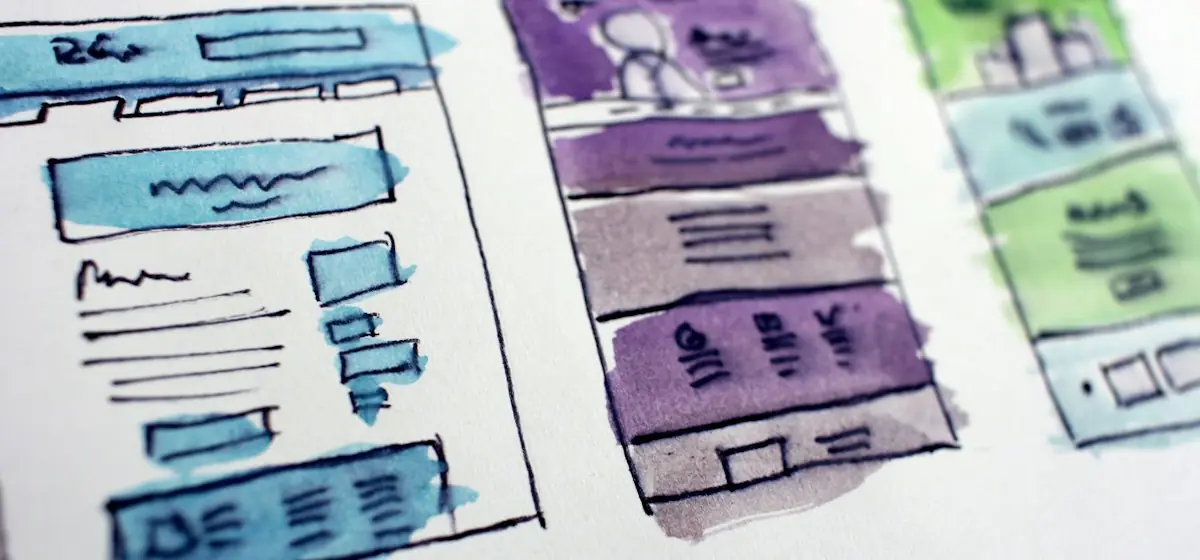
A redesign is the moment a business looks great and, at the same time, risks the most traffic. Every month customers arrive through search, yet after a “nice refresh” rankings dip — because redirects got lost somewhere, speed dropped or metadata disappeared. The good news: the losses are avoidable. Below is the working SEO redesign checklist we use on projects.
Why redesigns “eat” traffic
Search doesn’t rank “a website,” it ranks specific URLs — each with its own history, links and relevance. A redesign touches those URLs: addresses, structure, load speed and markup all change. The most common causes of a drop:
- Broken URLs — pages changed address without 301 redirects → old links hit 404.
- Lost optimization — title, description, alt and H1 were reset “from scratch” and lost their semantics.
- Slower pages — a new design with heavy banners cut Core Web Vitals (and speed underpins both conversion and rankings — see site speed and revenue).
- Broken internal linking and sitemap — internal links point at old addresses, the sitemap wasn’t updated.
A redesign isn’t equal to a drop. A drop is equal to migration mistakes.
Step 0. Before the redesign: snapshot your current SEO
Before you touch anything, record what you’re protecting.
- Export every URL from a crawl (Screaming Frog / Sitebulb) — the full address list.
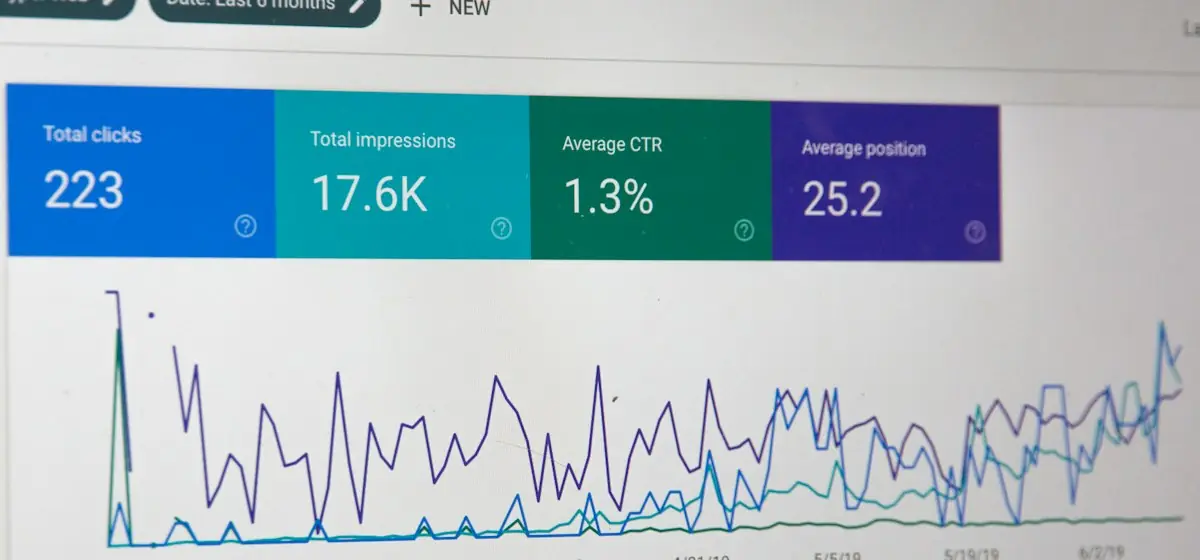
- Pull your valuable pages from Search Console and GA4: which URLs bring traffic and enquiries. Those “golden” pages need the most care.
- Save your backlinks (Ahrefs/Semrush) — external links to specific addresses; they need somewhere to go.
- Record current rankings for your target queries — so you have something to compare against later.
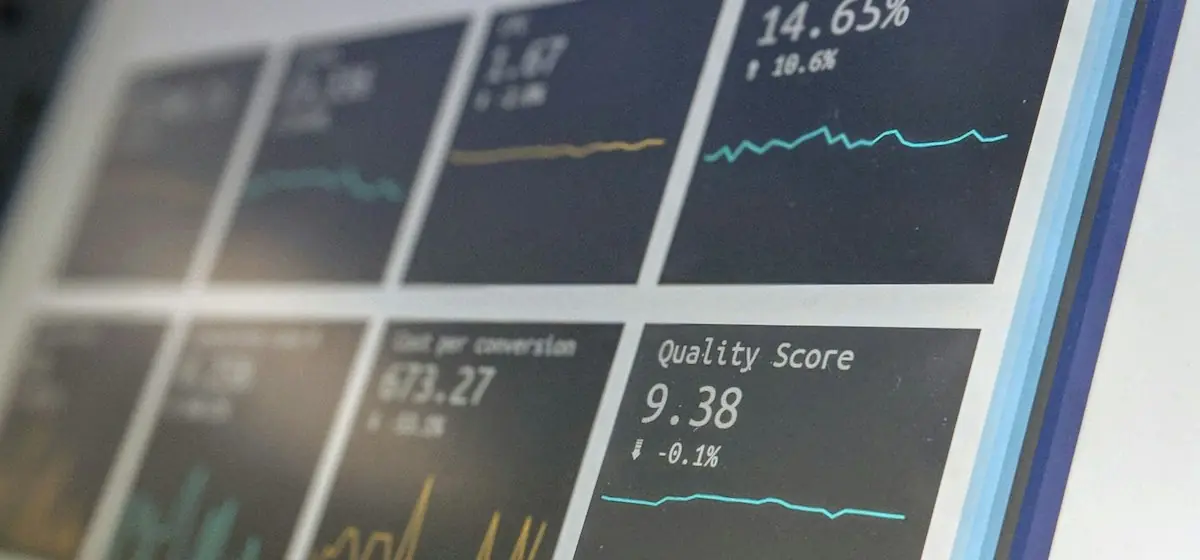
- Capture speed metrics (Lighthouse, CWV) as your baseline.
Without this snapshot you’re blind: you can’t plan redirects or measure damage.
Step 1. Structure and URLs
- Keep old addresses wherever possible. The safest redesign is one where URLs don’t change. If you’re improving the structure, prepare a map.
- A 301-redirect map “old → new” for every URL that changes. Exactly 301 (not 302), one hop (no A→B→C chains), straight to the relevant page.
- Don’t create duplicates. One concept = one canonical URL. Strip stray parameters,
/index.htmltails andwww/non-wwwvariants.

Step 2. Page content and metadata
- Carry over title/description for every page, keeping the target phrases. Don’t “rewrite later.”
- Preserve the H1 and heading logic (H1→H2→H3) — the structure the page ranks for.
- Image alt text, captions and structured copy — don’t lose them when moving media.
- Don’t dilute content. Merging several pages into one means + redirects and a check that you didn’t lose distinct intents.
Step 3. The technical details people forget
- Canonical on each page points to the final URL (not staging, not the old page).
- Schema / structured data (Article, Service, BreadcrumbList) — migrate it and validate it.
- robots.txt in production must not accidentally block the site from indexing (the classic disaster is the staging “noindex” nobody removed).
- hreflang, for a multilingual site — keep the matching address for each language.
- 404 and soft error pages — build a real 404 with search, not a blank white page.
- Speed and CWV — the new design mustn’t be slower than the old one; Lighthouse shows this before launch.
Step 4. After launch: the first 4–6 weeks
A redesign doesn’t end at the “publish” button. Monitor:
- Submit the updated sitemap and request a re-crawl in Search Console.
- Run a crawl of the new site: look for 404s, redirect chains and missing metadata.
- Watch rankings on your top pages daily for the first weeks — a 2–3 day dip right after launch is normal, a sustained fall is not.
- Check indexing of important URLs (site: and Coverage).
- Fix fast. Most redesign losses are reversible if you catch them in days, not months.
Common mistake → consequence → how to avoid it
| Mistake | Consequence | Protection |
|---|---|---|
| Changed URLs without 301 | 404s, lost backlinks and rankings | “old → new” redirect map |
| Forgot to remove staging noindex | site dropped out of the index | check robots and meta in production |
| New design is slower | CWV and conversion fell | measure Lighthouse before/after |
| Rewrote titles “from scratch” | lost relevance for queries | carry over metadata + keywords |
| Merged pages without redirects | cannibalisation, lost intents | canonical + 301 to the right URL |
Frequently asked questions
How long does traffic take to recover after a redesign? With a clean migration, the dip is minimal and lasts days. With mistakes, weeks. Recovery speed depends directly on how fast you fix the losses.
Can I do a redesign and SEO work at the same time? Better not: clean migration first, then growth. If you change design and semantics at once, you won’t know what caused the effect.
What if I’m also moving to a new CMS? Then the checklist is wider — see our guide to migrating to a headless CMS without losing SEO. The principles are the same: snapshot → redirects → metadata → monitoring.
Is this a designer’s job or an SEO specialist’s? Both. A redesign without SEO supervision is roulette with your traffic — which is why we run redesigns alongside technical care and speed optimization.
Bottom line
A redesign that doesn’t break traffic isn’t luck, it’s a process: record what you’re protecting, keep the URLs or move them correctly, carry over the metadata and speed, and watch the first weeks. This same approach underpins our long-term SEO plan.
We handle redesigns end to end — from prototype and animation to protecting rankings through migration. Get an estimate and a timeline for your case through the contact form or the Website building & redesign service page.
from $1,400
Need the same solution for your business?
We rebuild sites that look dated but hold rankings: structure, URLs and links stay intact while design, speed and conversion change. Before any start — a fixed baseline of positions and traffic.
- Current-site audit and SEO baseline
- Preserved URLs, redirects and structure
- New design-system UI
Get a free website audit in 48 hours
Speed, SEO, conversion — a 12-page report with a prioritized fix plan. No obligation, no spam: we show what to improve even if you never hire us.
- Core Web Vitals & speed
- SEO structure & content
- Conversion paths & UX