

Design Trust
Customer Reviews on Your Website: How to Get Them, What to Show, and Why They Bring Sales
Real reviews are the cheapest way to make a stranger trust you. Where to collect them, how to ask without sounding pushy, how to display them on your website so they actually convert, and what to do with a bad review. With a practical 30-day plan.
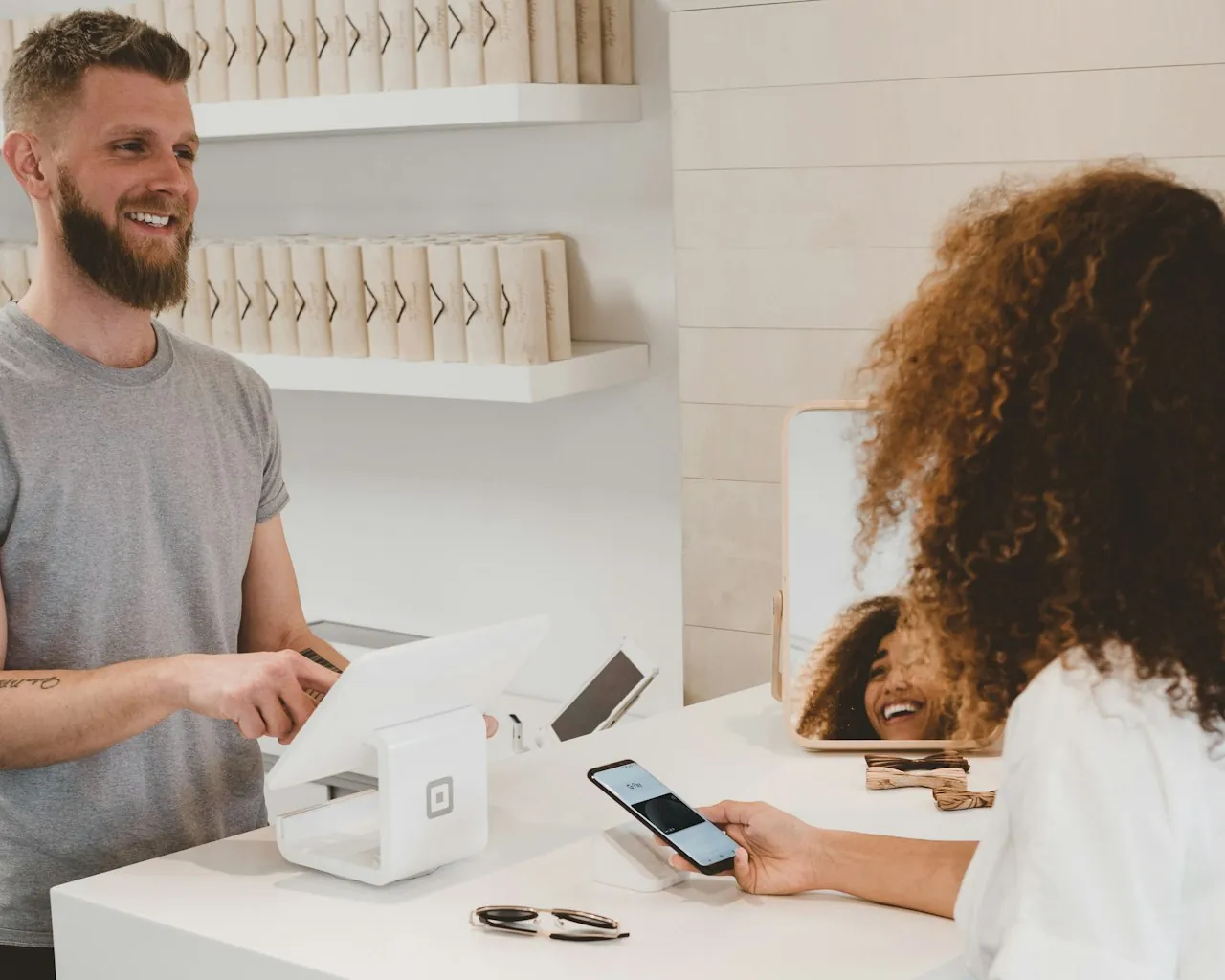
In short: nobody buys from a stranger. Reviews are the shortcut that turns your website from “who are these people?” into “these are people like me who already tried it.” A website with 10–15 real reviews converts 25–45% better than one without — and the reviews don’t need to be perfect, just specific and visible. Here’s how to get them without begging, and where to put them on your site so they work.
First, the numbers that make the case
The point isn’t “get as many reviews as possible”. The point is: have enough reviews that a first-time visitor stops doubting you. For most niches that’s 5–10 visible reviews with names and specific details. Not “great service!” — “they replaced a broken roof beam in 3 days and cleaned up after — I didn’t have to lift a finger.”
Where reviews should live on your site
Different placements do different jobs. Cover at least three of these:
- Google Business Profile (Maps). Every local buyer checks it before calling. Ten Google reviews with responses is minimum viable.
- Homepage. A rotating block of 3–5 best reviews near your CTA. This is where most visitors decide whether to scroll further.
- Service or product pages. Reviews specific to what’s being sold, not generic praise. “Delivered in 2 days” on a delivery page beats a general compliment.
- Checkout / booking page. One line: “4.8★ from 120 customers this year” — the last push for someone hesitating to pay.
- Case studies. Not just “we did a website for X” — pair each project with a quote from the client.
How to actually get people to leave a review
The honest reason most business owners have zero reviews: they never explicitly ask. Every satisfied customer is a review you didn’t collect.
Where to collect reviews — pick your stack
| Channel | Best for | Why to bother |
|---|---|---|
| Google Business Profile | Every local service | Shows in Maps, drives “near me” traffic |
| Website testimonials block | Everything | Only you control what’s shown where |
| Product page reviews (e-commerce) | Stores | Directly lifts add-to-cart rate |
| Telegram / WhatsApp chat history | Repeat clients | Casual, high response rate |
| Clutch / Trustpilot / niche sites | B2B, agencies | Third-party credibility |
| Social media comments | Personal brands | Visible to their network, not just yours |
Small business in Ukraine and nearby markets: Google + your own website + one messenger channel covers 90% of the value. Don’t try to run 6 review platforms.
What “good” looks like on your site
A review section that converts has:
- Real names + a location or photo. “Oksana, Lviv” beats “Client123”.
- Specifics, not adjectives. “Fixed the checkout in 3 days when 5 other developers couldn’t” beats “Professional and fast!”.
- A visible date. Reviews from 2020 feel like abandoned-shop evidence. Show recent ones first, or add “verified 2026”.
- A rating if you can back it. “4.9★ from 120 Google reviews” is stronger than 3 cherry-picked testimonials — the number itself proves volume.
- Your replies. A business that replies to reviews (especially critical ones) is seen as alive and trustworthy.
Turning reviews into content that sells
Once you have 10+ reviews, they become a lever far beyond the testimonial block:
- Quote one in your first-screen CTA. “Trusted by 180+ small businesses” or a one-line client quote next to your main button.
- Build a case study around the best review. Expand it into “Problem → What we did → Result (their words)” and put the review as the closing quote.
- Use review language in your copy. When 8 different people use the same phrase (“didn’t have to explain twice”), that’s the phrase that belongs in your headline — it’s already your customer’s own words.
- Screenshot a few for socials. Real Google review screenshots outperform polished graphics.
A 30-day plan to go from zero to a working review system
What DEXA does with client reviews
We build review blocks directly into every website we ship: on the homepage, next to the CTA, on service pages, and in checkout. We also wire in Google Business and third-party feeds so they stay current without you editing HTML. And every project includes 2–3 case studies with client quotes — see our portfolio for the format.
Bottom line
Reviews are the cheapest sales tool you have. They’re free to collect, they don’t need a designer, and they lift every other part of your site — homepage, service pages, checkout, ads. Start by asking the ten most recent happy customers, put what you get on your homepage, and keep the habit going. In a month you’ll have a proof engine you own outright.
Get help adding a review system to your site → — we’ll design the blocks, connect Google and messenger feeds, and turn your best reviews into case studies. Read next: the anatomy of a page that gets enquiries and how a website actually affects sales.
from $1,100
Need the same solution for your business?
Bespoke design and lively animations on Astro, React, Vue and Angular: corporate sites, landing pages and promo sites impossible to mistake for templates.
- Custom design from scratch
- GSAP/ScrollTrigger animations
- 90+ Lighthouse speed
Get a free website audit in 48 hours
Speed, SEO, conversion — a 12-page report with a prioritized fix plan. No obligation, no spam: we show what to improve even if you never hire us.
- Core Web Vitals & speed
- SEO structure & content
- Conversion paths & UX